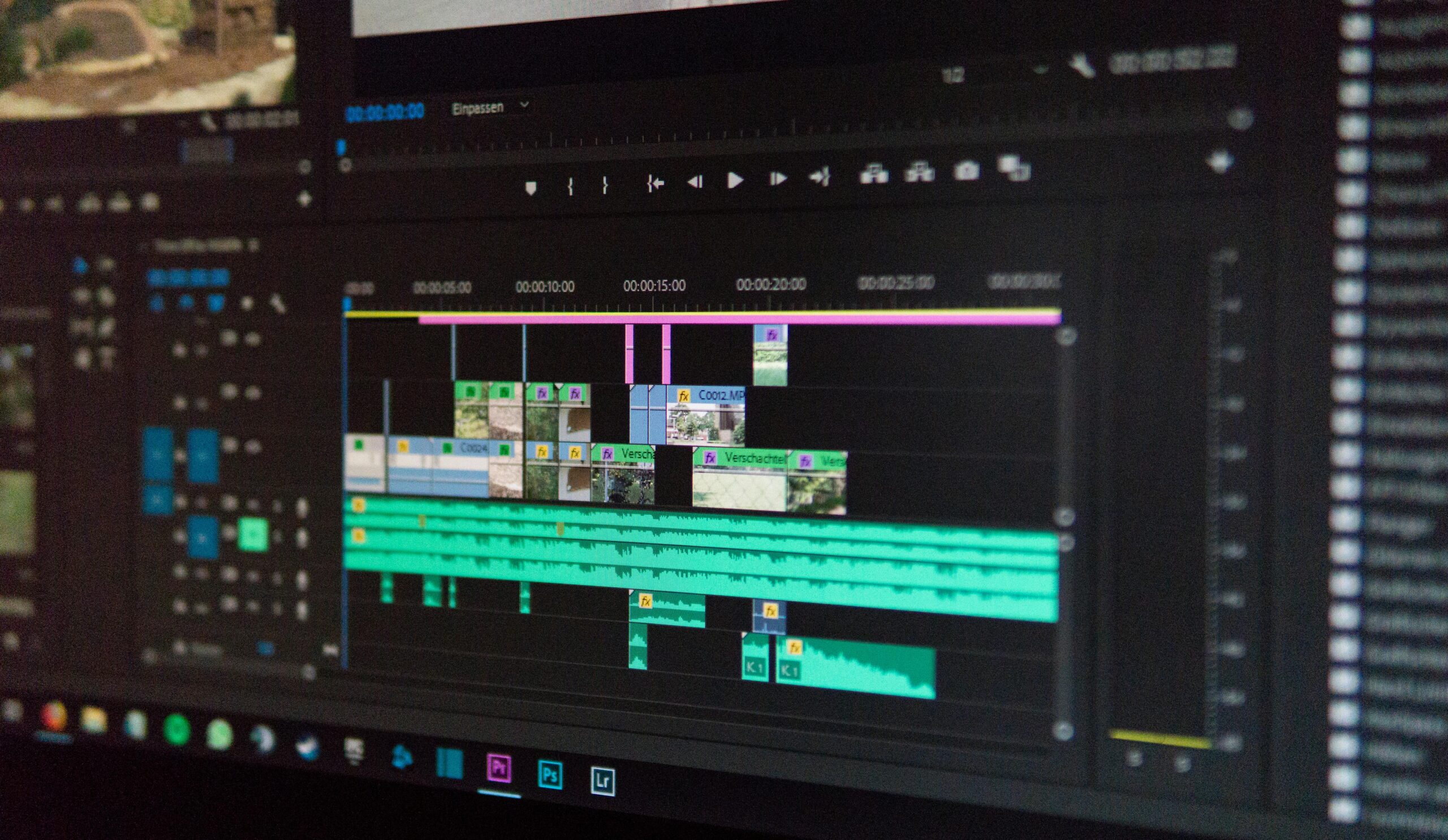
Ask a room of video editors what separates professional footage from homemade and you’ll get a list: color grading, pacing, typography, transitions, sound design. They’re all right. And they’re all describing the second half of the problem.
The first half which gets quietly skipped is whether the footage is good enough to do any of that with.
What Actually Separates Professional from Homemade
Professionalism in video rarely comes from a single technique. It comes from everything working together — audio, color, pacing, and graphics functioning as a cohesive unit rather than a collection of separate decisions. Viewers feel the difference even when they can’t name it.
A few elements come up consistently when experienced editors break this down.
Color grading consistency. Not aggressive color correction but consistency. A coherent look across a video, or across a channel, signals intentionality. Viewers notice when it’s absent even if they can’t name what’s wrong.
Pacing and energy. Knowing when to cut and when to let a shot breathe. Quick cuts create momentum. Held shots create weight. Getting that rhythm right is one of the hardest things to teach and one of the most obvious things to notice when it’s off.
Watch it on mute. If the visuals fall apart without sound, the visual storytelling isn’t strong enough. Most amateur content fails this test. It relies on audio or narration to carry meaning that should be visible in the frame.
Typography. Clean, readable fonts with proper hierarchy. It sounds minor. In practice, mismatched or poorly sized text is one of the fastest ways for a video to read as unprofessional regardless of how good everything else is.
Sound design. Not just clean audio — intentional audio. Well-placed sound effects, music that supports rather than competes, and a mix that feels considered. A few well-placed sound effects sell the whole thing.
Export quality. This came up in a specific way: some editing software produces softer or slightly blurry exports compared to others, and viewers notice even if they can’t articulate it. The final render matters as much as the edit.
All of this is real and worth taking seriously. But there’s a layer underneath it that the thread touched on without fully addressing.
The Foundation Nobody Mentions
Here’s what all of those points have in common: they assume your footage is in reasonable shape before you start.
Color grading consistency is only achievable if your clips are clean enough to grade. Noise, grain, and compression artifacts fight the grade at every step — you’re correcting problems rather than crafting a look. Pacing depends on cuts that feel intentional, which is harder when footage is soft or blurry because the viewer’s eye keeps getting distracted by the quality rather than the content. Strong visuals on mute require actual visual clarity — a noisy, low-resolution shot doesn’t hold attention regardless of how well it’s paced.
Professional footage isn’t always shot on expensive cameras. But it is footage where the technical problems have been solved before the creative work begins. That’s a meaningful distinction.
What “Solving the Technical Problems” Actually Means
For footage that isn’t in good shape, whether that’s old archival clips, smartphone recordings in low light, drone footage with compression artifacts, or anything that’s been re-encoded too many times — the issues tend to cluster around the same few categories.
Noise and grain. High ISO shooting, low-light recording, or heavy compression all introduce noise. It’s one of the most visible markers of amateur footage and one of the hardest things to color grade around.
Softness and lost detail. Digital zoom, lower-resolution sensors, and over-compressed files all produce footage that lacks the edge definition and texture that makes an image look crisp on a modern display. Upscaling without adding real detail just makes the problem bigger.
Compression artifacts. Repeated encoding, streaming compression, and low-bitrate recording introduce blockiness and color banding that sits underneath every frame like a persistent problem that no grade fully resolves.
Choppy motion. Low frame rate footage, dropped frames, or footage from older cameras often has an uneven cadence that makes cuts feel abrupt regardless of how well-timed they are.
These aren’t editing problems. They’re source problems. And they need to be addressed before the editing work begins — not during it.
Where AI Enhancement Fits In
This is where a tool like TotalMedia VideoEnhance becomes relevant. Not as a replacement for editing craft, but as the step that makes editing craft possible on footage that would otherwise resist it.
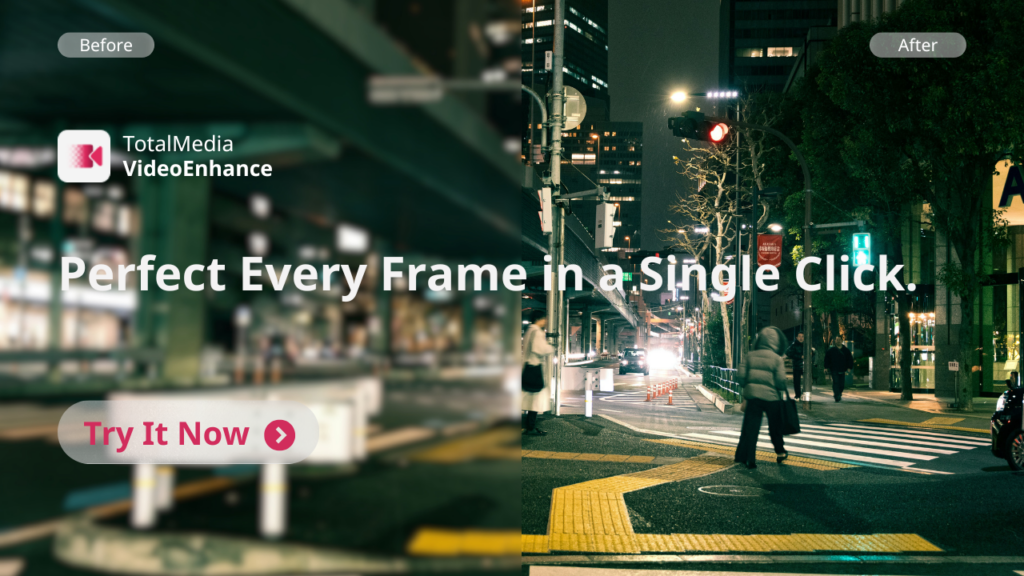
TotalMedia VideoEnhance runs on an AI Smart Enhance engine that analyzes each frame individually. In a single pass it addresses noise and grain, compression artifacts, color fade, low contrast, and loss of fine detail — reconstructing what degradation has removed rather than just filtering what remains. Frame interpolation generates new intermediate frames for smoother motion. Resolution upscaling adds synthesized detail rather than simply enlarging existing pixels, producing footage that holds up on modern displays in a way the source material didn’t.
The practical result is footage that actually responds to a color grade. Clips that cut together cleanly. Motion that feels intentional rather than choppy. The editing layer: the pacing, the typography, the sound design, all the things people identify as markers of professionalism, lands better when it’s built on footage that’s already clean.
It’s available as both a web app and desktop application, with a free tier that includes 4K upscaling and no watermark on exports.
The Full Picture
Consistency, pacing, color, sound, typography — these are genuinely what separate professional from homemade when the footage is already solid.
The complete picture adds one step before all of that: make sure the footage is solid. Not every shot will be captured perfectly. Not every archive is pristine. Not every client delivers clean files. What you do with imperfect source material before it hits the timeline determines how much the editing craft can actually accomplish.
Fix the footage first. Then edit it well. That’s the full workflow.
Frequently Asked Questions
No — and it isn’t designed to. AI enhancement recovers detail and reduces degradation in existing footage. It can’t add what was never captured. Good lighting, stable shooting, and proper exposure still produce better source material than any enhancement tool can reconstruct from a poorly shot clip. The two work best in combination: shoot as well as conditions allow, then use enhancement to address what couldn’t be controlled.
Positively, in most cases. Noisy, artifact-heavy footage is harder to grade consistently because the grade interacts with the noise rather than the image underneath it. Cleaning up the footage before it enters the timeline gives the color grade a cleaner surface to work with, which makes achieving a consistent look across clips significantly easier.
Old archival footage, smartphone recordings in low light, drone clips with heavy compression, footage that has been re-encoded multiple times, and any source material recorded at lower resolutions that needs to hold up on a modern display. Footage that was captured well in good conditions will see less dramatic improvement — which is the correct outcome. Enhancement closes the gap between what was captured and what the editing process needs.
For footage that’s already clean and sharp, the difference will be subtle rather than dramatic — and that’s fine. Where it earns its place is on footage that has visible problems: grain, softness, artifacts, or motion issues that would otherwise compromise the edit. The free tier lets you test it on your own clips before committing to anything.