The demos are genuinely impressive. Type a prompt, get a cinematic clip. Tools like Sora 2, Runway Gen-4, Pika, and Veo 3 have collectively generated over 8 million AI videos in 2025. The quality has reached a point where the conversation has shifted from “can AI do this” to “what do we do with it after.”
That second question is where the gap opens up. And almost nobody is talking about it.
Generation Is Half the Job
AI video tools are generation engines. What they don’t produce is a finished, deliverable video ready for a platform, a client, or an audience.
Veo 3 generates videos up to 8 seconds long. For anything longer, you generate multiple clips and stitch them together in external editing software. Runway produces video at 720p by default, with upscaling to 4K available only to paid users. Sora 2 struggles with generating readable text, and small character details can vanish between shots in longer sequences.
These aren’t deal-breakers. They’re realities. And they point to the same conclusion: AI-generated clips need post-production work before they’re ready for delivery.
What the Generated Clip Actually Looks Like
Demos make every AI model look magical. Real production exposes what actually holds up.
In practice, a generated clip often has some combination of the following:
Compression artifacts and noise. AI video models compress output aggressively. The result is often visible grain, soft edges, and compression blocking. Particularly in shadow areas and fast-motion sequences. Fine detail is frequently the first casualty.
Inconsistent quality across clips. Some models generate one perfect clip, only to collapse the moment you ask for twenty variations. When you’re stitching multiple generated clips together, matching the visual quality across all of them is its own challenge.
Motion that needs smoothing. Frame rates across AI generators vary. Runway and Sora generate at 24fps, while some models default to lower rates. Stitched sequences with mismatched cadence feel choppy even when individual clips look fine.
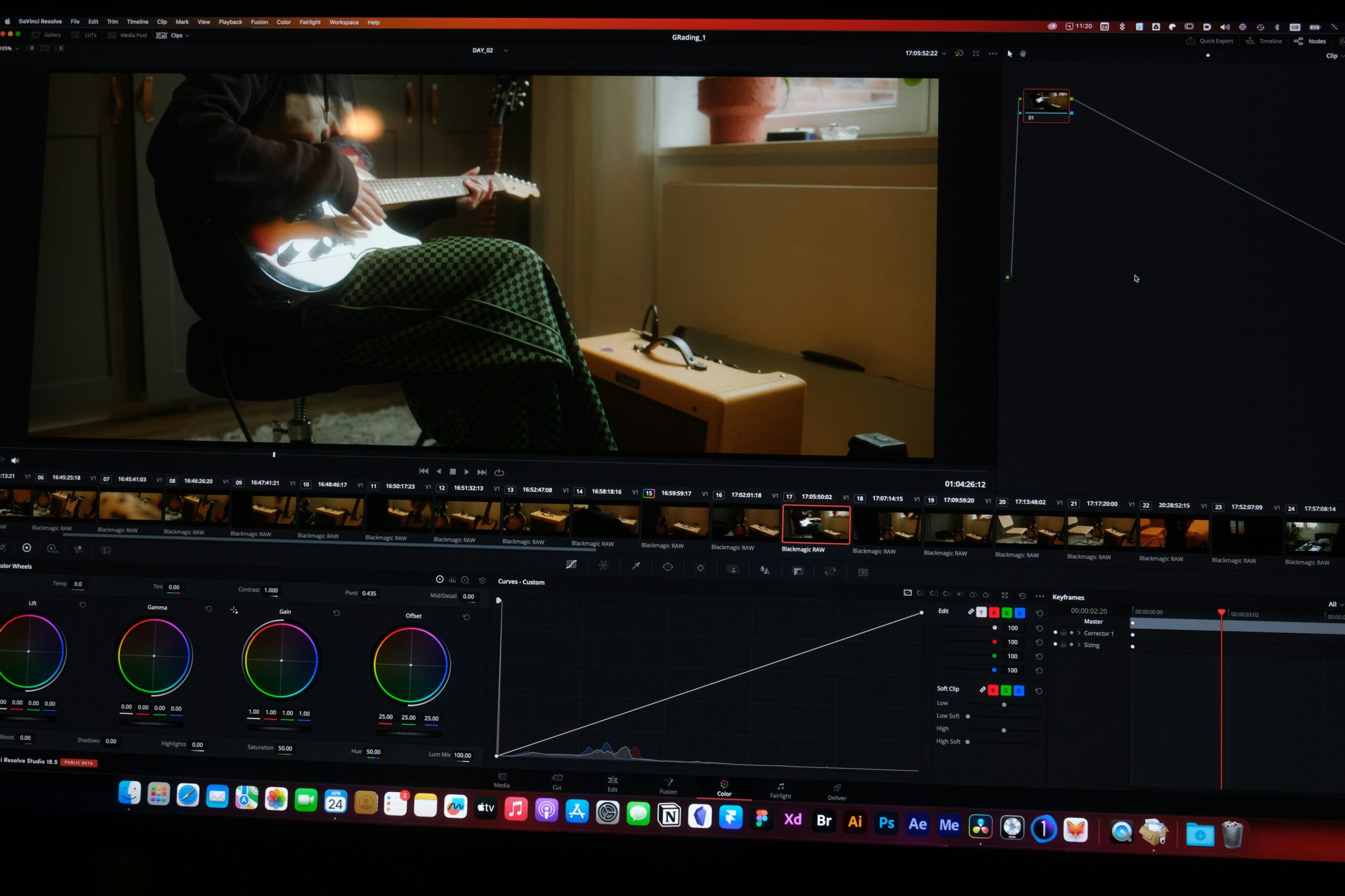
Color inconsistency. Each clip is generated independently. Color temperature, contrast, and saturation shift between them. Getting a consistent look across a multi-clip sequence requires correction that no AI generator currently handles automatically.
Resolution gaps. Not every tool outputs at a usable resolution by default. Scaling up a 720p generated clip for a 4K delivery without addressing the underlying quality is just making the problems larger.
The Workflow Nobody Shows You
The marketing around AI video tools focuses on the prompt-to-clip moment. What comes after looks more like this:
Generate clips → assess quality → identify artifacts and noise → enhance and upscale → color match across clips → add audio → format for platform → deliver.
Most of that list is post-production. The AI handles one step. The rest is still on you.

How to Improve AI Generated Video
This is the gap TotalMedia VideoEnhance is built for, the quality layer between raw generated output and finished deliverable.
AI-generated clips typically arrive with noise, compression artifacts, and soft detail. The AI Smart Enhance engine addresses all of these in a single pass — reconstructing fine detail, removing compression blocking, restoring color accuracy and contrast. Frame Interpolation smooths motion across clips with inconsistent cadence or low frame rates, generating new intermediate frames based on motion analysis rather than duplicating existing ones.
Resolution upscaling brings clips generated at 720p or 1080p up to 4K, with genuine AI-synthesized detail rather than simple enlargement. For creators delivering to clients or platforms that expect 4K, this closes the gap between what the generator produced and what the deliverable requires. Pro users can access 8K output for the highest-demand use cases.
The multi-file queue processes an entire batch of generated clips in one session. It’s useful when you’re working with ten or twenty short clips that all need the same quality treatment before the edit begins.

The Bigger Picture
AI video generation has changed what’s possible at the production stage. A single creator can now produce footage that would have required a crew, a location, and a significant budget. That’s a genuine shift.
But the delivery stage hasn’t changed as much as the generation stage has. The real question is no longer “can AI make a video?”. It’s “which output can you actually ship?” Shipping means consistent quality, correct format, appropriate resolution, and clean delivery to whatever platform or client is waiting on the other end.
Generation gets you the raw material. Post-production gets it across the finish line. The tools that handle each stage are different — and treating them as one step is where most AI video workflows currently fall short.
Frequently Asked Questions
For casual social content, sometimes not. For anything being delivered to a client, published on a professional platform, or stitched together from multiple generated clips, almost always yes. Compression artifacts, resolution limits, color inconsistency across clips, and motion cadence issues are common in raw AI output — and they’re visible to anyone watching on a decent screen.
AI video generators compress output aggressively as part of the generation process. This introduces the same artifacts that heavy compression creates in any video — grain in shadow areas, soft edges, and loss of fine detail. Enhancement tools that address compression artifacts specifically produce better results than general sharpening filters applied in an editing application.
Yes. The multi-file queue handles multiple clips in a single session through the thumbnail sidebar. For workflows that involve generating twenty or thirty short clips and processing them all to a consistent quality standard before editing, batch processing removes the bottleneck of handling each file individually.
With AI-powered upscaling, yes — meaningfully. Standard resizing just makes a 720p clip larger and blurrier. AI upscaling synthesizes new pixel detail based on content analysis, producing a sharper 4K output. The degree of improvement depends on the quality of the generated clip — cleaner source material upscales better than heavily compressed or artifact-heavy output.