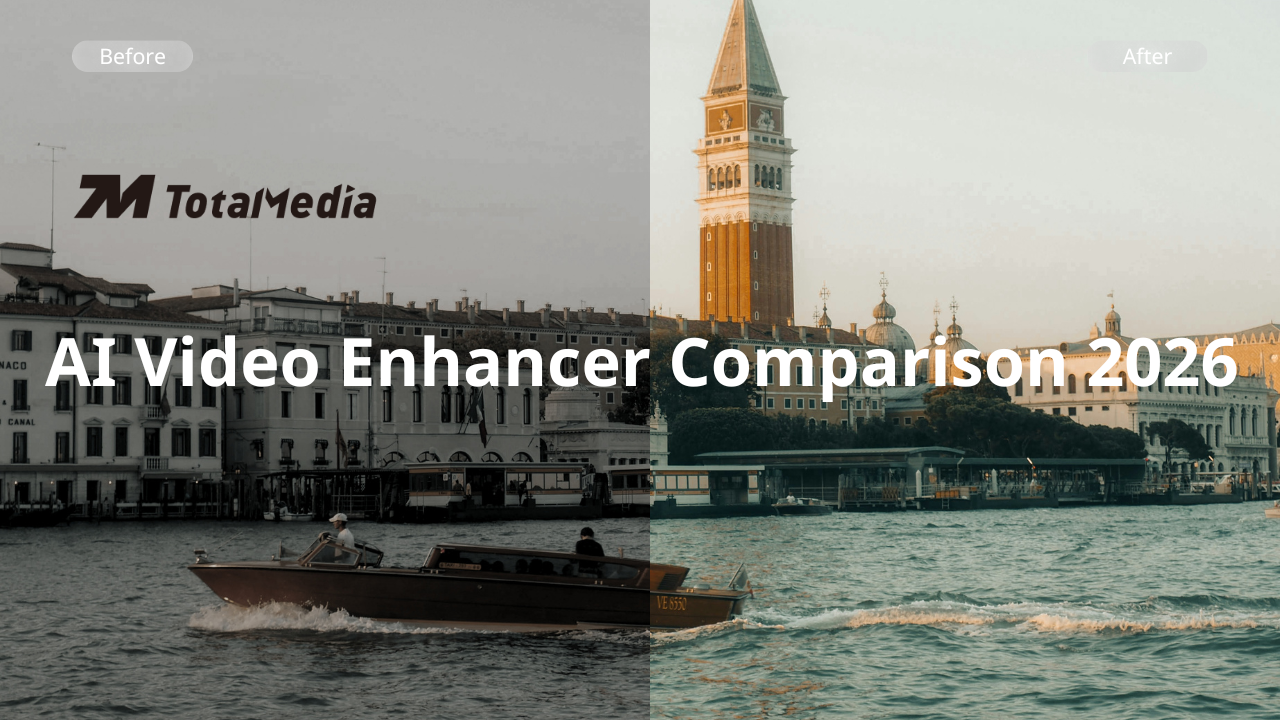
Both TotalMedia VideoEnhance and HitPaw VikPea are capable AI video enhancement tools, and both are worth considering depending on what you need from them. This comparison covers what each tool actually does, where they differ, and which type of user each one suits best.

What Each Tool Is Built For
TotalMedia VideoEnhance is an AI-powered video enhancement tool available as both a web application and a desktop app. AI Smart Enhance is the core engine. It addresses noise, grain, compression artifacts, blur, color fade, and low contrast in a single automated pass. It also offers frame interpolation for smoother motion and resolution upscaling up to 8K. The interface is designed to be accessible without technical knowledge, and a free tier is available with a Pro upgrade for higher output requirements.
HitPaw VikPea is a desktop-first AI video enhancer available on Windows and Mac, with an online version for lighter tasks. Its approach centers on a library of specialized AI models. Each of them is tuned for a specific type of footage or problem. Rather than a single comprehensive engine, you select the model most appropriate for your content: faces, animation, general restoration, noise removal, colorization, low-light, frame interpolation, or stabilization. Cloud processing is available for batch jobs and large files, offloading the workload from your local hardware.
Feature Comparison
| Feature | TotalMedia VideoEnhance | HitPaw VikPea |
| AI enhancement approach | Single-pass AI Smart Enhance engine | Multiple specialized AI models |
| Noise and artifact removal | Yes — AI Smart Enhance | Yes — General Denoise, Video Quality Repair models |
| Resolution upscaling | Up to 4K / 8K (Pro) | Up to 8K |
| Frame interpolation | Yes | Yes — dedicated Frame Interpolation model |
| AI colorization | Yes — part of AI Smart Enhance | Yes — dedicated Colorize model |
| Stabilization | Yes — part of AI Smart Enhance | Yes — dedicated Stabilization model |
| Color and contrast restoration | Yes — part of AI Smart Enhance | Yes — Color Enhancement and SDR to HDR conversion |
| Before/after preview | Yes — interactive split-screen, full resolution | Yes — 3 to 10 second preview clip |
| Multi-file processing | Yes — thumbnail sidebar queue | Yes — batch processing |
| Cloud processing | Web app available | Yes — cloud acceleration for batch and large files |
| Platform | Web app and desktop | Desktop (Windows and Mac) and online version |
| Free tier | Yes | Free trial with watermark on exports |
| Paid plan | Pro upgrade (unlocks 8K, higher file limits) | From $42.99/month (Windows) or $69.99/month (Mac); $349.99 perpetual |
Where They Differ in Practice
AI Model Approach
This is the most meaningful difference between the two tools. HitPaw VikPea offersmultiple AI models tailored for different types of footage. You can choose the one most appropriate for your content before processing. This gives users more targeted control: the Face model handles facial detail specifically, the Animation model is tuned for cartoons and anime, the Colorize model adds color to black-and-white footage, and so on.
TotalMedia VideoEnhance takes a different approach. AI Smart Enhance runs as a single comprehensive pass that addresses multiple quality issues simultaneously without requiring the user to identify and select the right model first. For users who want to process footage quickly without assessing which specific problems need targeting, this is a simpler workflow. For users who want to apply a specific type of enhancement to a specific type of content, HitPaw VikPea’s model selection offers more precision.
Neither approach is objectively better. They suit different working styles.
Colorization and Stabilization
HitPaw VikPea includes dedicated AI colorization (adding color to black-and-white footage) and a stabilization model for shaky footage. These functions are included in TotalMedia VideoEnhance’s AI Smart Engine. If either of these features is central to your use case, HitPaw VikPea may have a better control in those specific areas.
Cloud Processing
HitPaw VikPea leverages dedicated cloud computing resources for more stable and consistent video enhancement, processing video faster than local hardware for batch jobs and large files. This is a meaningful advantage for users working with large collections or long-form content where local rendering would take considerable time.
TotalMedia VideoEnhance offers a web application, which means enhancement runs without local installation, but this is a different model from dedicated cloud GPU acceleration. For single-file or moderate-volume work, the difference is unlikely to matter. For high-volume batch processing, HitPaw VikPea’s cloud acceleration has a practical edge.
Platform Access
TotalMedia VideoEnhance is available as both a web app (no installation required) and a desktop application, making it accessible on any device with a browser. HitPaw VikPea is primarily a desktop application for Windows and Mac, with a separate online version for lighter use. HitPaw VikPea primarily runs locally on your computer, though some newer features can also use cloud processing.
Pricing
TotalMedia VideoEnhance offers a free tier to get started, with a Pro upgrade unlocking higher resolution output (up to 8K) and larger file limits. As a new product, it’s currently available at launch pricing: $7.99 per week, $19.99 per month, or $69.99 per year. This is significantly lower than most comparable tools on the market right now.
HitPaw VikPea’s Windows Standard plan runs $42.99 per month or $99.99 per year, with a perpetual license at $349.99. Mac users pay more, $69.99 per month or $109.99 per year, same perpetual price. A free trial exists, but exports carry a watermark until you pay.
The gap is considerable. For casual users or anyone wanting to try AI enhancement without a significant financial commitment, TotalMedia VideoEnhance’s free tier and current launch pricing make it the more accessible entry point. HitPaw VikPea’s perpetual license is worth considering if you’re a heavy user who prefers a one-time payment over recurring costs at $349.99, it’s a meaningful upfront investment. Side by side, TotalMedia’s annual plan at $69.99 versus HitPaw’s at $99.99 (Windows) represents a notable difference for users who pay year to year.
Who Each Tool Suits Best
TotalMedia VideoEnhance is likely the better fit if:
- You want a streamlined, low-friction workflow without selecting between models
- You prefer browser-based access without installation
- You’re enhancing a moderate volume of footage and want to start without upfront cost
- Your primary needs are noise removal, artifact cleanup, color restoration, frame interpolation, and upscaling
HitPaw VikPea is likely the better fit if:
- You want targeted control over which AI model handles your specific footage type
- Colorization of black-and-white footage is part of your workflow
- You need stabilization for shaky footage
- You’re processing large batches and want cloud GPU acceleration
- You prefer a one-time perpetual license over a tiered subscription
Summary Table
| Factor | TotalMedia VideoEnhance | HitPaw VikPea |
| Enhancement approach | Single comprehensive AI pass | Multiple specialized models |
| Ease of use | High — minimal configuration needed | Moderate — model selection required |
| AI colorization | Yes | Yes |
| Stabilization | Yes | Yes |
| Max output resolution | 4K standard / 8K Pro | Up to 8K |
| Cloud processing | Web app | Dedicated cloud GPU acceleration |
| Platform | Web app and desktop | Desktop (Windows/Mac) and online |
| Free access | Free tier available | Free trial with watermark |
| Pricing | From $6.99/week to $69.99/year | From $42.99/month or $349.99 perpetual |
| Best for | Accessible, streamlined enhancement | Feature depth and model-specific control |
Frequently Asked Questions
Yes. TotalMedia VideoEnhance offers a free tier that gives access to core enhancement features without requiring a payment. HitPaw VikPea offers a free trial for both the desktop and online versions, though exported videos include a watermark until a paid license is activated.
TotalMedia VideoEnhance supports multi-file queuing through its sidebar and offloads batch processing to cloud GPUs.
No. TotalMedia VideoEnhance is available as both a web application and a desktop app. The web version requires no installation and runs in any browser. The desktop app is better suited for processing large local files or working offline.
TotalMedia VideoEnhance is designed for minimal configuration — AI Smart Enhance runs as a single automated pass without requiring model selection. HitPaw VikPea’s multiple specialized models give more control but require the user to assess which model suits their footage before processing. For users who want to enhance footage quickly without technical decisions, TotalMedia VideoEnhance has a lower learning curve.